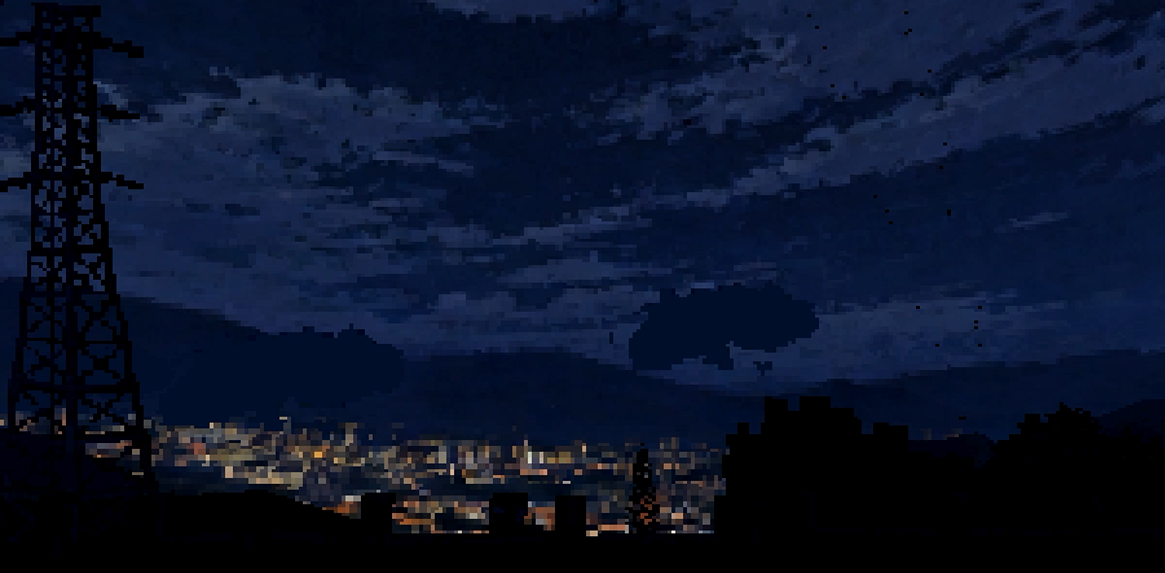
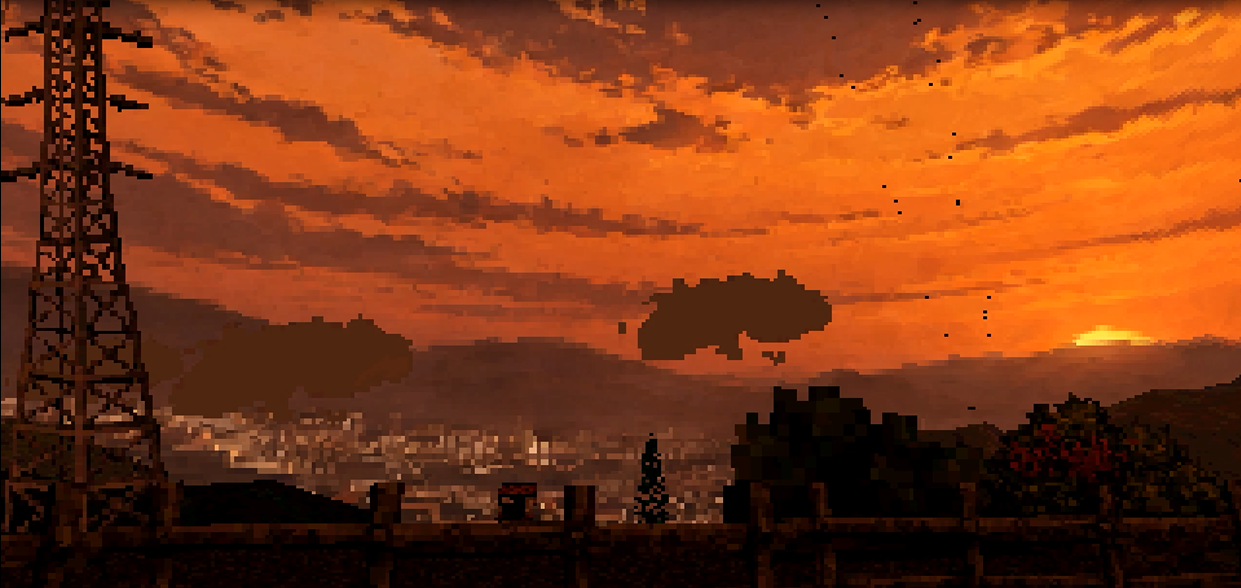
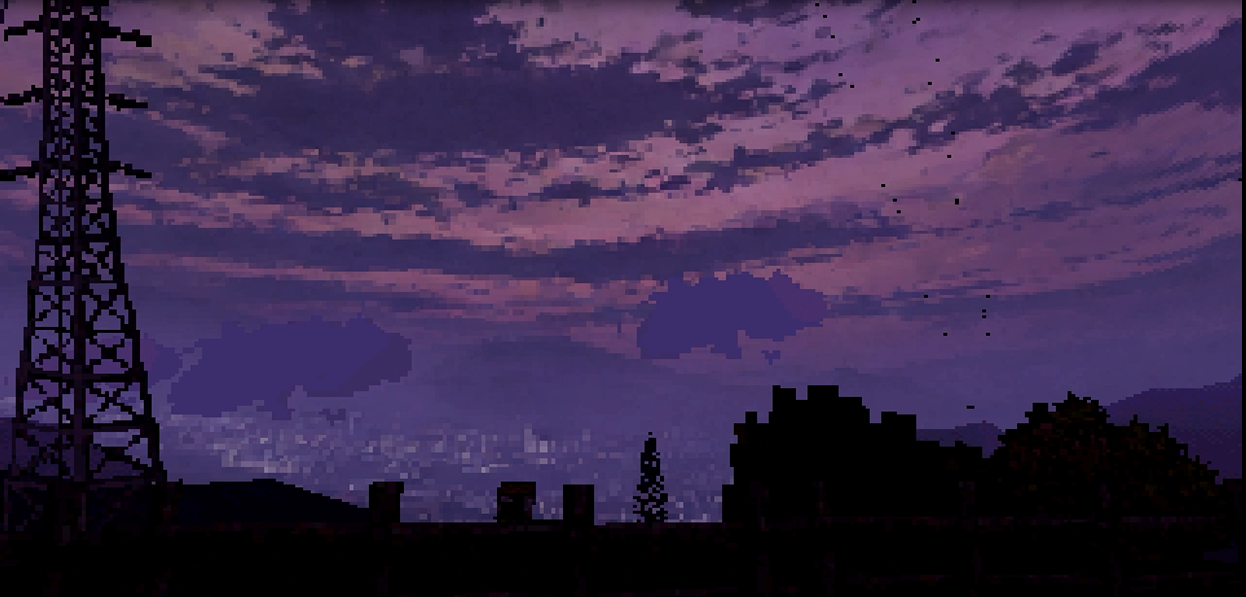
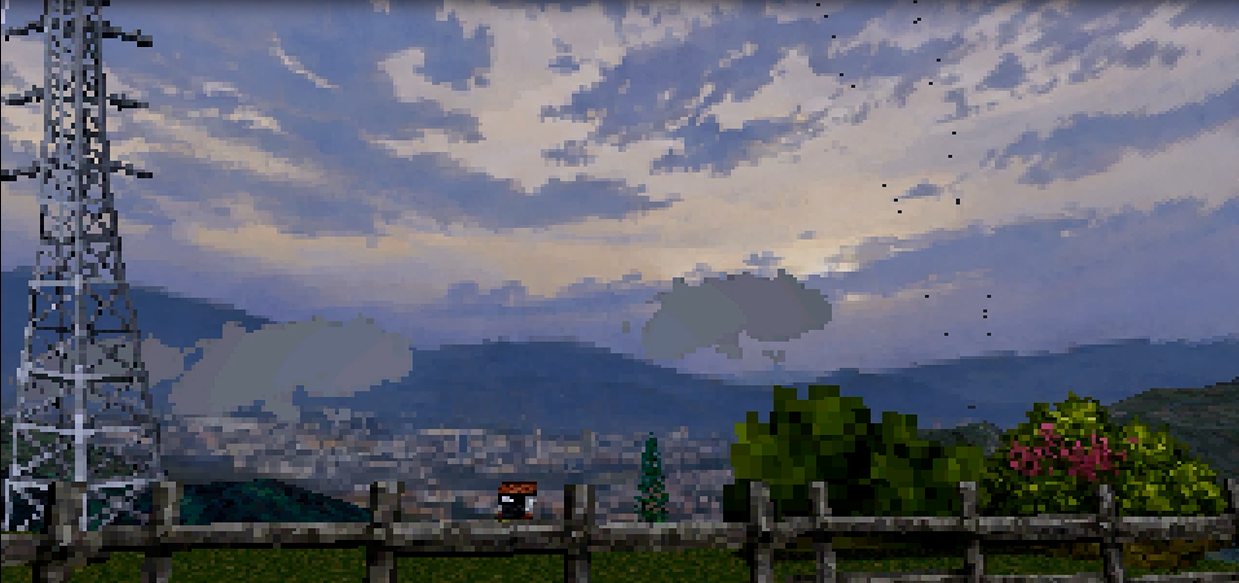
PSX/URP Dynamic Time & Weather System for Unity New Ver
A downloadable Script
por Nortimore
🇪🇸 ESPAÑOL - GUÍA DE USUARIO
🌟 DESCRIPCIÓN
¡Gracias por adquirir este asset! Este sistema ha sido diseñado desde cero para ser ligero, eficiente y fácil de integrar en cualquier proyecto de Unity con estética Retro/PSX o moderna.
A diferencia de los ciclos lineales tradicionales, este script implementa transiciones sólidas por bloques horarios (estilo Mizzurna Falls) combinadas con un suavizado dinámico (Lerp), logrando esa atmósfera marcada y nostálgica ideal para juegos de misterio y terror. Es el núcleo lógico utilizado en el desarrollo de The Valley.
🚀 INSTALACIÓN RÁPIDA
- Importar el Script: Asegúrate de que el archivo se llame exactamente
TimeSystem.csy colócalo dentro de tu carpeta de Assets. - Configurar el Manager: Crea un GameObject vacío en tu escena llamado
TimeManagery arrastra este script hacia él. - Iluminación: En el Inspector, arrastra tu Directional Light al campo Sun Light. El script controlará la rotación de las sombras continuamente y suavizará la intensidad según el bloque horario.
- Asignar Skyboxes: En la sección Skyboxes por Horario, asigna tus materiales para las 12 etapas del día (incluyendo clima y horas especiales).
- Interfaz de Usuario (UI): Si usas TextMeshPro, arrastra tus componentes de texto a los campos Time Display (para la hora) y Date Display (para la fecha).
⚙️ CARACTERÍSTICAS TÉCNICAS
- Control del Reloj: Puedes congelar el tiempo por completo marcando la casilla
relojCongelado. - Atmósfera por Misión: La variable interna
atmosferaControladaPorMisionpermite pausar los cambios climáticos y lumínicos automáticos cuando necesitas fijar una ambientación para un evento narrativo. - Trilogía de Horarios Críticos (Eventos de Terror): El script evalúa de forma global y estática tres estados de alerta ideales para activar mecánicas de horror o spawns de enemigos:
esHorarioCritico: Activo desde las 00:00 hasta las 05:00.esHoraMaldita: Activo desde las 00:00 hasta las 03:00 (aplica el cielo de Noche Cerrada, tintes rojizos y exposición mínima).esHoraParanormal: Activo desde las 03:00 hasta las 04:00 (aplica tintes púrpuras y atmósfera extraña).
- Configuración Avanzada de Brillo y Niebla (Fog): Cada estado horario cuenta con sus propios parámetros de exposición (
brillo), tinte ambiental (color) y color de niebla (fog). La transición entre estos valores se calcula a una velocidad fija (Time.deltaTime * 12f) para evitar parpadeos bruscos. - Sistema de Clima por Calendario: A través de las estructuras
eventosLluviayeventosNiebla, puedes programar qué días de la semana (ej: "Lunes") y en qué franja (mañana o tarde) se forzarán la niebla densa o la lluvia modificando el Fog Start/End automáticamente.
🇺🇸 ENGLISH - USER GUIDE
🌟 DESCRIPTION
Thank you for purchasing this asset! This system is designed to be lightweight, efficient, and easy to integrate into any Unity project with a Retro/PSX or modern aesthetic.
Unlike traditional linear cycles, this script implements solid time-block transitions (inspired by Mizzurna Falls) combined with dynamic smoothing (Lerp), achieving that distinct, nostalgic atmosphere ideal for mystery and horror games. This is the core logic used in The Valley.
🚀 QUICK SETUP
- Import Script: Ensure the file is named exactly
TimeSystem.csand place it inside your Assets folder. - Manager Setup: Create an Empty GameObject in your scene named
TimeManagerand attach this script. - Lighting: Drag your Directional Light into the Sun Light slot. The script will continuously handle shadow rotation and smoothly transition the intensity based on the active time block.
- Assign Skyboxes: In the Skyboxes por Horario section, assign your materials for all 12 day stages (including weather and special hours).
- User Interface (UI): If using TextMeshPro, link your text objects to the Time Display and Date Display fields.
⚙️ TECHNICAL FEATURES
- Clock Control: You can freeze time completely at any moment by checking the
relojCongeladobox. - Mission Atmosphere Override: The internal
atmosferaControladaPorMisionvariable allows you to pause automatic weather and lighting updates whenever you need to lock the environment for a narrative event. - Critical Hour Trilogy (Horror Events): The script globally and statically evaluates three alert states perfect for triggering horror mechanics or enemy spawns:
esHorarioCritico: Active from 00:00 to 05:00.esHoraMaldita: Active from 00:00 to 03:00 (applies Pitch Black Sky, reddish tints, and minimal exposure).esHoraParanormal: Active from 03:00 to 04:00 (applies purple tints and an eerie atmosphere).
- Advanced Brightness & Fog Settings: Each time block features its own exposure (
brillo), ambient tint (color), and fog color (fog). Transitions between these values are smoothed out at a fixed rate (Time.deltaTime * 12f) to prevent jarring snaps. - Calendar-Based Weather System: Using the
eventosLluviaandeventosNieblaarrays, you can schedule specific days of the week (e.g., "Monday") and time slots (morning or afternoon) to automatically force heavy fog or rain, dynamically overwriting the Fog Start/End distances.
❓ FAQ / PREGUNTAS FRECUENTES
- ¿Funciona con URP? / Does it work with URP?
Está diseñado principalmente para el <em class="eujQNb" jsaction="" jscontroller="yHWXO#Mkm8ud" data-sfc-root="ep" jsuid="SCTuFf_96" data-sfc-cb="" data-complete="true" data-copy-service-computed-style="font-family: "Google Sans", Arial, sans-serif; font-size: 16px; font-weight: 400; margin: 0px; text-decoration: none; border-bottom: 0px rgb(230, 232, 240);" <built-in="" render="" pipeline<="" em=""> debido al uso directo deRenderSettings.skyboxyRenderSettings.ambientLight. Para usarlo en URP, deberás adaptar la sección de >em class="eujQNb" jsaction="" jscontroller="yHWXO#Mkm8ud" data-sfc-root="ep" jsuid="SCTuFf_9a" data-sfc-cb="" data-complete="true" data-copy-service-computed-style="font-family: "Google Sans", Arial, sans-serif; font-size: 16px; font-weight: 400; margin: 0px; text-decoration: none; border-bottom: 0px rgb(230, 232, 240);">"APLICACIÓN EN EL ENTORNO"</em> para que modifique un perfil de Volume (ajustando el Color Adjustments y el Fog de URP). - ¿Cómo se configuran las texturas para que no se vean borrosas? / How do I prevent textures from looking blurry?
Al usar Skyboxes estilo PSX o texturas de baja resolución, recuerda seleccionar el archivo de la textura en tu Project window y cambiar el Filter Mode a Point (no filter) y la Compression a None en el Inspector. - ¿El script incluye los materiales del cielo? / Does it include the skybox materials?
El paquete incluye la lógica avanzada de transiciones y calibración. Recomendamos crear tus propios materiales con Shaders retro/unlit para obtener los mejores resultados estéticos en tu proyecto.
Purchase
In order to download this Script you must purchase it at or above the minimum price of $2 USD. You will get access to the following files:
Development log
- Pro Time & Weather SystemMar 12, 2026